






Irrigation controllers are essential components of a lawn sprinkler system.
What is an Irrigation Controller?
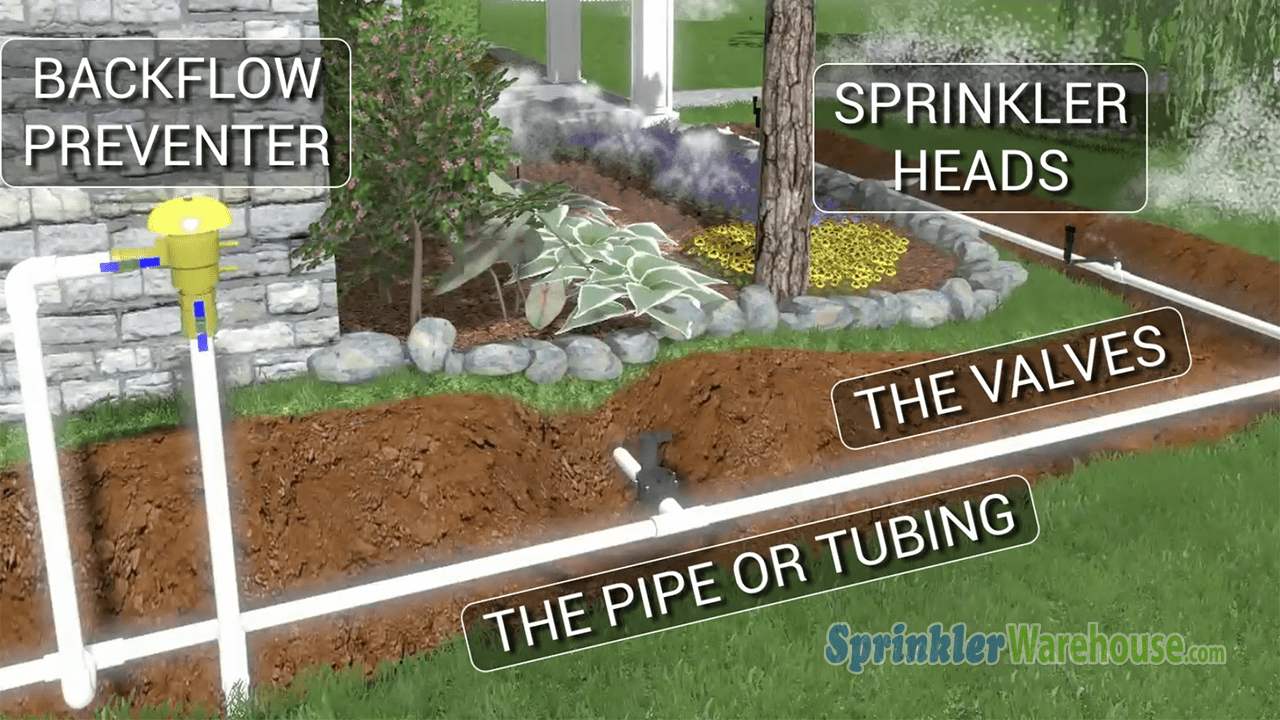
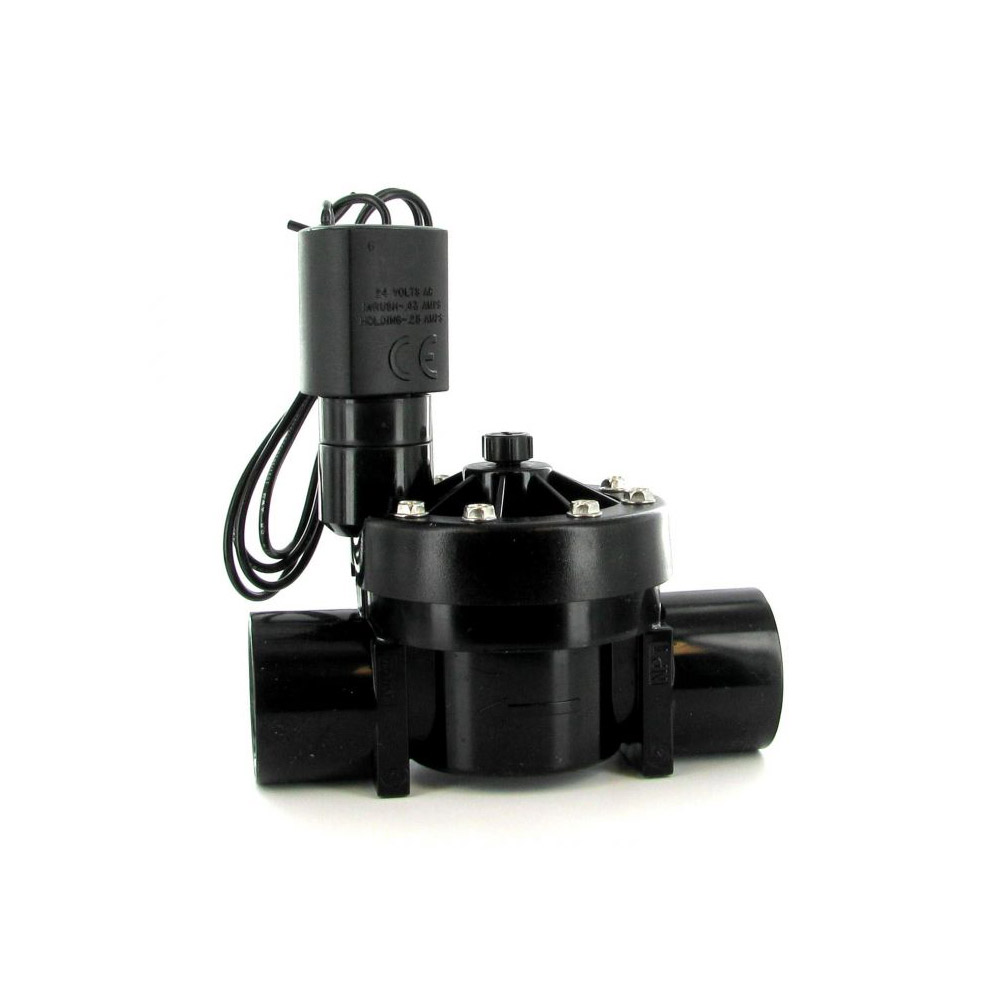
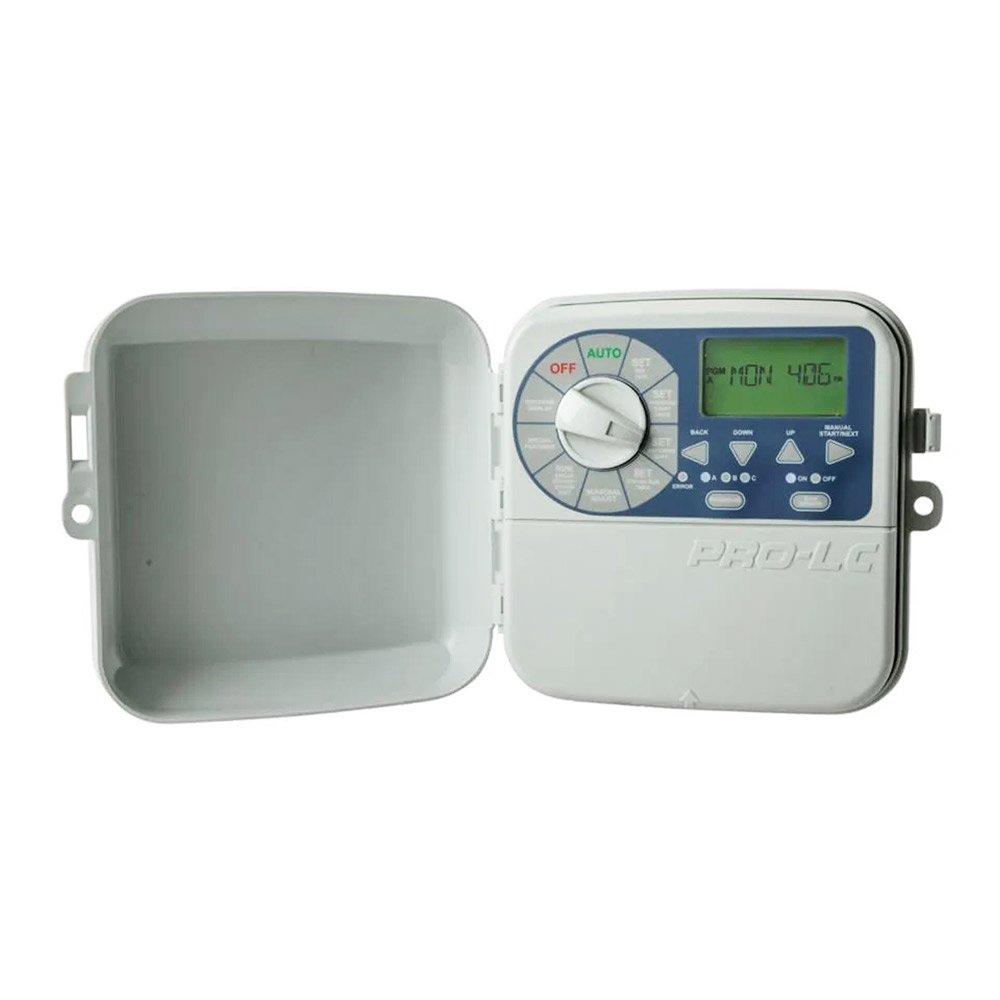
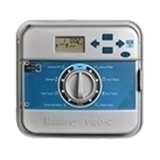
Irrigation controllers, also known as irrigation timers or lawn sprinkler system timers, are the nerve centers or brains of the sprinkler system. Sprinkler system timers send electric signals to the irrigation valves. The valves regulate the flow of water to the sprinkler system.
Lawn sprinkler system timers are the devices that allow you to set a watering schedule to meet your needs. You can set the days you want to water, the time of day you want the sprinklers to come on, and how long you want them to apply water.
Sprinkler system controllers may be mechanical, partly automatic, or fully automatic. Although lawn sprinkler system timers are largely maintenance-free, the home or property owner might wish to upgrade and replace irrigation controllers or install irrigation controller parts or extra features. Sprinkler timer installation or replacement is very straightforward and easy and can be done by either the homeowner or by an irrigation professional.
How to Choose an Irrigation Controller / Timer
The only important decisions you need to make when selecting a controller / timer are as follows:
- Controller mounting location: indoor or outdoor
- Number of stations or zones – must be at least as many zones or areas your sprinkler system is broken up into.
- Number of programs (1, 2, 3, or 4) – should have at least 2 or more programs to give you the watering flexibility you want or need. The programs on a controller are very different from the number of stations on a controller. This is explained below.
IMPORTANT: The rest of the features you can choose from on a controller are just for added benefits or increased flexibility.
Indoor vs. Outdoor models
Sprinkler system controllers come in a wide range of makes and models. Choose lawn sprinkler system timers depending on the size of the sprinkler system and the user’s needs. Lawn sprinkler system timers come in two different types: indoor models and outdoor models. Indoor sprinkler system timers need to be sheltered from weather, and can be conveniently plugged directly into a 110-volt outlet. This is because they come with an external transformer as part of the plug-in cord that converts the 110-volts to 18 volts. Typical locations for mounting indoor timers are in the garage, building, covered patio, shed, pump house, closet, etc. Outdoor lawn sprinkler system timers are convenient, weather resistant, durable, and typically need to be hard wired for power instead of plugged into a 110-volt outlet. This is because the transformer is located inside the protective weather resistant cabinet and it is assumed that the electrical connection will need to be weather resistant also.
Outdoor controllers can be used as indoor controllers just by adding a pig tail (3 prong plug and power cord) to the power wires of the timer. People do this all the time to be able to get all the benefits of an outdoor timer with a weather resistant cabinet and typically all kinds of added features. An example of this is the Hunter ICC model controller which is one of Hunter’s best controllers. It has so many nice features that people will just add a pig-tail and make it an indoor timer.
Controller Stations
Typically, residential systems use irrigation controllers with 2 to 9 stations, while systems for commercial or public properties can have 32 – 48 stations or more. Each station regulates one zone or area of the lawn sprinkler system. When selecting irrigation controllers, know how many stations the system needs. Choose a sprinkler timer with extra stations, in case of later expansion.
Controller Programs
The number of programs a controller or timer typically has can range from 1 up to as many as 4. They are usually labeled as Program A, B, C, and D. Some controllers only have 1 program while most have at least 2 or more. A program is a set of watering instructions for stations that will run on the same days. When you set up Program A on the controller, you are setting the days you want to water, the time of day you want to start watering, and how long you want to water. If you have a controller with two programs, the lawn areas can be set up to be watered every day on one program and the flowerbeds and shrubs every other day on the second program. When a controller starts a program, it will go through the entire program before stopping or repeating the program.
Types of Controllers – Mechanical or Solid-State (Digital)
Some irrigation controllers are fully digital, including easy touch screen features. Digital sprinkler system controllers with basic features are suited to a more conservative budget. Other lawn sprinkler system controllers have an array of features and options for convenience and ease of operation.
Mechanical sprinkler system timers use manually-operated sliders and switches for programming. An electromechanical controller uses both an electric clock and mechanical switching. That is to say, they are made of a motor, wheels, dials, gears, and pins. These controllers are typically, easy to understand how to operate and program, and are less susceptible to power spikes and surges, but are much more limited in features than solid-state digital irrigation controllers.
Solid-State controllers have digital readout screen, have no moving parts, and use integrated circuits for the clock, memory and control features. These controllers are adaptable, offering many more features at a reasonable cost. More advanced Solid-State controllers such as Smart Controllers can adjust the watering schedule automatically throughout the year. Still other controllers operate solely on battery power, for areas with limited or no electricity. Solar-powered controllers are also available.
Features Available on a Controller
Some controllers come fully loaded with features for efficiency and convenience of operation. In others, extra features may be optional. Key features available on a controller can include:
*Clock and calendar settings
The user can program watering times, control watering cycles, and make seasonal adjustments.
*Manual start and manual station operation
The user can operate the stations or start the automatic cycle without affecting the programmed start time. This is helpful when you need to do some maintenance to your system. This feature makes it easier to check for leaks, misaligned or broken sprinkler heads and even perform basic tune-ups steps such as adjust spray patters and replace nozzles.
*Master Switch
The master switch overrides the automatic functions of the stations.
*Master Valve Control
The master valve prevents flow to the system, in case of water problems or system failure.
*Station Omission
The user chooses which stations operate, and which do not.
*Pump Start Lead
This turns on a pump start relay whenever a station activates, to combine irrigation and pump control. A Pump Start Relay is an electronic device that uses a signal current from the irrigation controller to activate a pump to provide water to the irrigation system. Never connect the controller directly to a pump as damage to the controller will result.
*Rain Sensor
A rain sensor shuts down the irrigation system if it detects rain. The purpose of a rain sensor is to stop watering when precipitation is sufficient. Most controllers allow for a sensor to be connected directly to the controller and allow you to easily override the sensor by using a Rain Sensor Bypass switch on the controller.
*Battery backup
The controller reverts to battery power in case of power interruption or outage.
The battery typically will just allow the timer to maintain the time, date, and watering schedule. On some controllers it allows the user to program the controller without AC power. IMPORTANT: watering will not occur without AC power. The battery only keeps the time, date, and watering schedule in memory until the AC power is restored or the battery dies.
*Non-Volatile Memory
The controller retains its program data without a battery, even if the power fails.
The non-volatile memory allows the timer to maintain the time, date, and watering schedule indefinitely. IMPORTANT: watering will not occur without AC power.
*Delay
The delay feature allows time for valves to close fully in one zone, before opening the valves in another zone.
Tools Needed to Install Irrigation Controller / Timers
1. 3/8″ electric drill, cordless or with cord
2. Masonry bit, if drilling holes in stucco.
3. Metal center punch. If drilling into wood, the punch isn’t necessary.
4. Wood type drill bit – to drill holes through the timer cabinet
5. Black sharpie or felt-tipped marker
6. A hammer
7. A level
8. Screws, with matching plastic wall anchors
9. Screwdriver
How to Install, Wire, and Set Up a New Irrigation Controller
1. Decide on the location for the sprinkler controller. Consider factors such as power supply, whether the sprinkler timer is an indoor or outdoor model, whether it will plug into an outlet or needs to be hard wired. Also consider convenience of operation, and ease of access for the user.
2. Unpack the timer. Some hardware and supporting documents will be included for the installation.
3. Remove the clock/timer face from the controller. The face should snap out easily. Look for clips or plastic tabs along the front or sides of the unit. Also detach the ribbon connector. If desired, remove the cabinet door by taking out the steel pin connecting the door to the main cabinet.
4. For extra stability, drill extra mounting holes through the back of the cabinet. Irrigation controllers usually come with pre-drilled holes or mounting hardware in the back, so this step is optional.
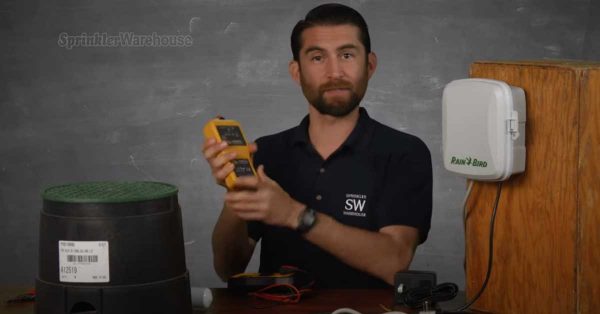
5. If hard wiring the timer, cut electric power. Turn off the breaker to the wires. Double check the wires to be sure the electricity is off, by using a volt-meter or ticker. The volt-meter gives off an alarm if it detects electricity in a line. An active electrical current can cause injury to the user, or throw off sparks that can damage the irrigation controller.
6. Mount the cabinet at a comfortable height, usually about eye level. Place the cabinet against the wall, and use the level to check that it is even. Use the felt tipped pen to mark the wall through the holes in the back of the cabinet.
7. If drilling into stucco, use the metal center punch. Line the punch up to the marks on the wall, and give it a firm whack with the hammer to make a small indentation in each mark. This keeps the stucco drill bit centered and stable. Drill holes into the wall at the marks.
8. Put the plastic inserts into holes. Tap them flush against the wall with the hammer.
9. Using screws, mount the timer cabinet to the wall. Connect the station wires. Make notes of which wires are responsible for each zone or valve of the sprinkler system, to avoid guesswork in the future.
10. Re-mount the timer face and re-attach the ribbon connector to the board. Do not turn on the power until these steps are complete. Replace the cabinet door. The controller is now ready for programming and operation.
Wiring the Controller to the Valves
Purchase sprinkler or irrigation wire. Buy one strand more than the number of zones desired. Usually, the white wire is the common wire, and the others will lead to individual sprinkler valves.
Turn off the power to the controller. Be sure to follow the manufacturer’s instructions when attaching wires. Look for a terminal on the controller that says “C”. Attach the white or common wire.
Run a wire from the solenoid on each zone valve back to the controller. If the valves are underground, the wire will run alongside the PVC pipe leading to the valve. Be sure the connections are waterproof. Water leakage will damage the solenoid.
Each wire will regulate a different zone from a station on the controller terminal. Delegate the stations as desired and attach the individual wires. Make a written plan or diagram of the setup, to avoid confusion in the future. One can also mark the wires as Zone 1, Zone 2, and so on.
Do not turn on the power until wiring is complete.
How to Replace an Existing Irrigation Controller:
If you already have a controller that is giving you problems and find that you need to replace it with a new one, let me reassure you that it is very easy to replace a controller and most any homeowner or irrigation repair person can handle this task. First, if possible, it makes your job easier if you can write down all of your existing programming from the old controller. Specifically, you want to write down the specific days scheduled for watering, the start times and how long each zone is scheduled to be watered. You will need to use this information to program the new controller. If the old controller is completely dead and you can not get this information, no worries, as you can program the new controller to water a few days a week and the rotor zones for 20 minutes and the spray head zones for 5 to 8 minutes each time they come on. A good start time is 4:00 or 5:00 am so that all the watering is completed before you need to start using water in the house in the morning. Then you can adjust these settings later as you find that the yard is getting watered too much or not enough.
Make sure to unplug your transformer from the wall, if you have an indoor system, or turn off the power to the timer at the breaker box, if you have an outdoor system. Use that volt-meter to verify the power is not reaching the controller. The next step is to label each of the control valve (hot) wires on the old timer. Label them according to the zone they are connected to, zone 1, zone 2, zone 3, etc. Also label the common wire connected to the common connection and the pump start wire if you are using a pump. Now you are ready to disconnect the wires.
If possible, buy the same model and brand as the controller that was already in the system. If you can not buy the same model, that’s ok, just get one that has the correct number of stations or zones that you had on your old timer and make sure you get all the features you want. Now is a good time to upgrade to a better more feature rich timer. Take the old controller out and mount the new one on the wall. Reconnect your wires as they are labeled and reprogram your controller with your watering schedule. Turn the controller on and make sure all zones are working properly.
I told you, replacing a controller is very easy as long as you label the wires before removing them from the old timer.
Differences in installing an indoor controller and an outdoor controller
Sprinkler system controllers come in interior or exterior models. Indoor sprinkler system timers plug easily into an electric outlet. The interior models have a power supply or transformer that converts 110/120 volts of standard house power to the 18-24 volts required for sprinkler system operation. Exterior sprinkler system controllers are housed in sealed weather-resistant cabinets. The exterior controller has a transformer inside the cabinet, and must be hard wired into the power supply.
Indoor irrigation controllers can also be installed outside. Weather-resistant cabinets are available separately, to convert indoor controllers to outdoor use.
How to install a controller when a pump is also going to be used
A pump brings water from a well, pond or nearby water source to the sprinkler system. When using a pump instead of a municipal water supply line, choose a sprinkler timer that will work best with the pump.
Electric sprinkler system controllers can turn the pump on and off at pre-programmed times. Most irrigation controllers have a pump circuit built in. The timer uses a voltage relay to start and stop the pump. The relay allows the controller, which operates on 18-24 volts, to communicate with the pump, which uses standard house voltage (110/120v).
Do not connect the irrigation controller to an existing relay. If the pump already has a starter circuit with relay, the user will need to install a new one for the controller.
To hook up the pump, connect the wires from the pump start switch to the pump start terminal(s) on the controller. Some irrigation controllers feature zone-by-zone programming for more effective pump operation.
Use a flow switch with the sprinkler timer relay. The flow switch turns off the pump if there is no water flow, preventing the pump from overheating in case of a system malfunction or water supply interruption.
A delay feature is helpful when installing an irrigation controller with pump. The delay allows slow-closing valves to shut down completely in one zone, before the next zone starts operating.
Check with local authorities to be sure of bylaws and water codes. Some areas have regulations regarding the operation of pumps and lawn sprinkler systems.
Items to Consider Adding to The Controller
*extra stations
Many lawn sprinkler system timers can be adapted to add extra stations, in case of expansion or amendments to the lawn sprinkler system.
* remote control
Remote control allows the user to operate indoor or outdoor sprinkler system controllers from a distance.
*computer control
The user can control the sprinkler timer and features from a computer.
*weather devices
Some irrigation controllers have built-in rain sensors. If not, adding a rain sensor or other weather device to the controller is a practical option for most home and property owners. Weather devices also sense outdoor temperature to guard against freezing. A solar power converter is a handy add-on feature available in some sprinkler system controllers.
*mounting pedestal
Instead of mounting the sprinkler timer to the wall, the user has the option of mounting the controller on a stand-alone pedestal. Some irrigation controller pedestals include a separate wiring board.
Remote Control
If the system doesn’t come with a remote, the user can add a remote control transmitter & receiver to most lawn sprinkler system controllers. The remote control comes in handy if the user wants to do work or maintenance on the sprinkler system, or operate the controller from a remote location. It makes spring check ups and maintenance much easier. You can turn zones on and off without walking back and forth to the timer.
Rain shut off devices or other weather devices
Rain sensors and rain shut-off devices automatically adjust the system’s function when rain is detected. Some sprinkler system controllers feature seasonal adjustment options. Other weather devices include wind sensors, which shut down the system in case of high winds, or temperature-sensitive features to regulate the function of the lawn sprinkler system.
Where to Buy a Controller / Timer
For more information about irrigation controllers, options and features, or to purchase a new irrigation controller or sprinkler timer, go to www.SprinklerWarehouse.com.
Filed under: Irrigation Installation, Irrigation Repair | Tagged: how to install a sprinkler timer, how to install an irrigation controller, how to replace a sprinkler timer, how to replace an irrigation controller, irrigation controller, irrigation timer, replacing a sprinkler timer, sprinkler controller, sprinkler timer | Leave a Comment »